
Email to SMS: Sending, Troubleshooting and Replacing Gateway Alerts

By Owen Shah
Email to SMS passes an email through a gateway that converts it into a mobile text message. It can connect an email-based alert system to a phone, but succ
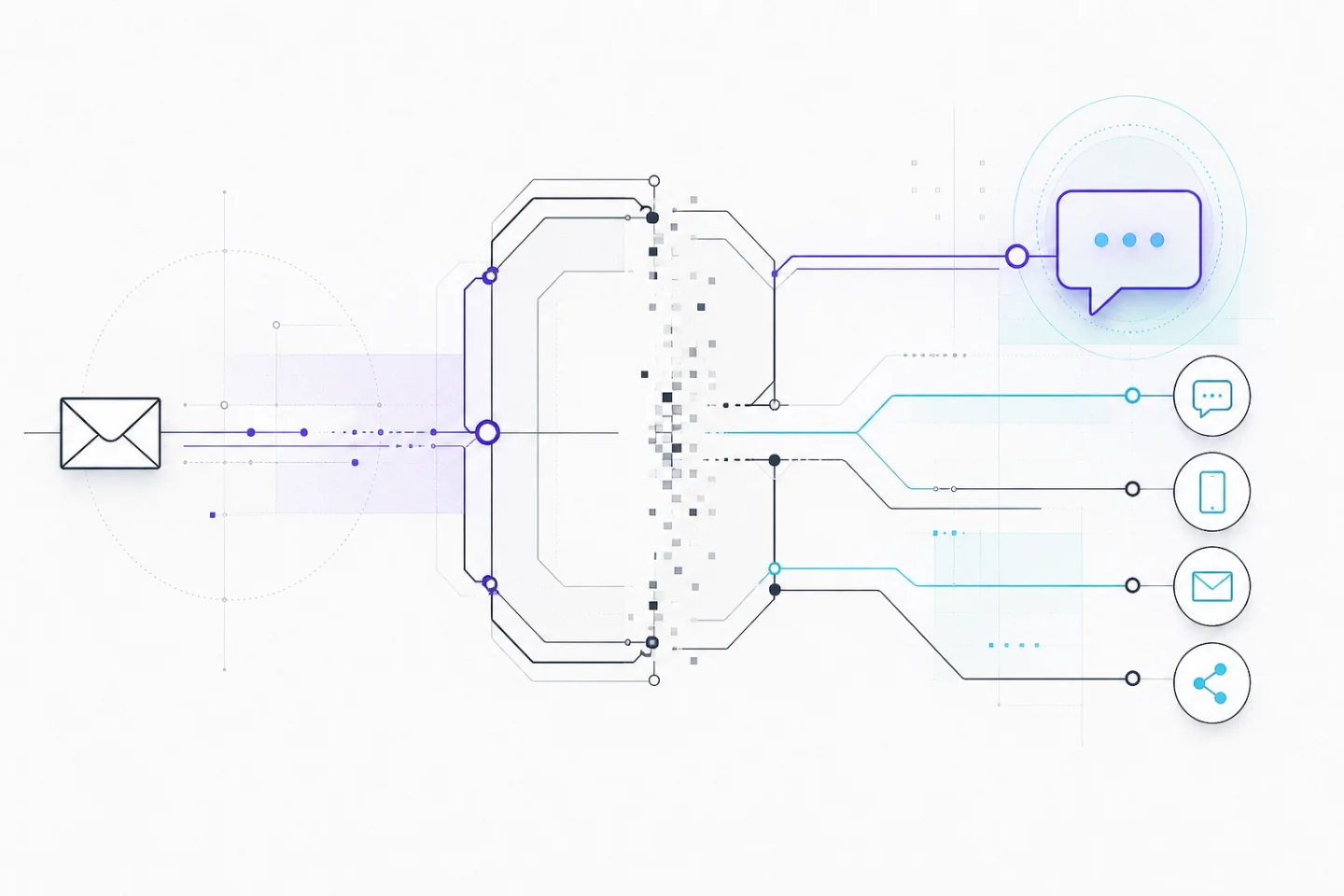
Email to SMS passes an email through a gateway that converts it into a mobile text message. It can connect an email-based alert system to a phone, but successful sending depends on more than a correctly typed address. The gateway must accept the sender, recognise the recipient and support the intended message type.
Before setting up this route, establish whether the service supports your use case and how you will detect failures. For an existing installation, start by documenting its dependencies. A saved gateway address is not evidence that the route remains available or suitable for important alerts.
Understand the delivery path
A typical message passes through the sending application, an outgoing mail server, the gateway and the mobile messaging network before reaching the handset. Each stage can introduce a delay or reject the message. A copy in the sent folder proves neither gateway acceptance nor handset delivery.
Keep these stages separate when investigating a failure. Mail logs can show whether another server accepted an email. Gateway records may describe conversion or routing. Recipient confirmation establishes what appeared on the phone. A delivery status alone does not establish that someone read or acted on the alert.
Find the service documentation before relying on an inherited configuration. Read any shutdown notice as a reason to check the affected route, account and migration requirements. Do not turn a dated announcement into a permanent statement about every email-to-text service.
Confirm the recipient and sending permissions
Ask the recipient which number should receive alerts and which categories they want. Record that choice alongside the operational contact list. A number copied from an old spreadsheet may belong to someone else, and agreement to receive one type of notification should not be treated as agreement to receive unrelated messages.
Use the exact address structure specified by the gateway. Do not guess a carrier domain, infer a network from a number prefix or copy another person's working address. Where routing depends on the mobile network, a transferred number can require configuration changes even though its digits remain the same.
Check opt-in and opt-out controls when reviewing recipient settings. The relevant questions are whether this traffic is accepted and how the recipient can stop it. Record the applicable instructions rather than assuming that every service recognises the same reply command.
- Confirm the recipient's number directly through an established contact method.
- Restrict automated sending to approved accounts and applications.
- Assign someone to maintain recipient lists when roles or numbers change.
- Explain the alert purpose, expected frequency and method for withdrawing.
Write for a small screen
Put the event, location and required action first. An equipment alert should identify the affected area and direct the responsible person to the agreed response procedure. Omit introductory greetings, long signatures, legal footers and repeated subject text. These compete with the information the recipient needs immediately.
Use a short plain-text body as the starting point. Avoid relying on layout, coloured emphasis, images or attachments to communicate the essential action. An email that looks clear on a desktop may lose its structure during conversion. Test the actual message, including anything the mail system adds automatically.
Check the gateway's documented length and encoding behaviour instead of treating email length as text-message length. Long content and some characters can affect segmentation. Subject lines or sender details may also consume space if included in the converted message. Inspect the received result for splitting, truncation and confusing order.
Give alerts enough context to distinguish separate events without exposing sensitive information. A generic instruction to check the established incident channel can be appropriate where details belong behind authentication. Avoid messages that require the recipient to follow an unfamiliar link before understanding why they were contacted.
Test the whole workflow
Agree a test window with a willing recipient. Send one harmless, distinctive message and record its sending time, destination and outcome. Ask the recipient what they received, including the displayed sender and whether the content arrived intact. Keep the test separate from real operational incidents.
Next, test from the application that will send production alerts. A successful message from a personal mailbox does not prove that an automated sender has the necessary permissions or produces suitable content. Include the application's normal subject line and formatting so the test exercises the real path.
Test failure handling as well as delivery. Establish who receives rejection notices, where message status is recorded and when an unresolved alert escalates. For messages that need a human response, define an acknowledgement step and a fallback contact method. Avoid repeated automatic retries without a clear stopping rule.
Troubleshoot without creating more traffic
If the email is rejected
Save the complete rejection message and identify which server issued it. Read the explanatory text alongside the status code. An address error, sending restriction and temporary server problem require different responses; a short error label rarely gives enough context to choose the right fix.
Compare the recipient address with the documented format and check for spaces, missing digits or an obsolete domain. Then confirm that the sending account is authorised. Change one variable at a time and record the result. Repeatedly resending the unchanged message obscures diagnosis and may produce duplicates later.
If the email is accepted but no text appears
Check gateway status records, recipient blocking settings and handset connectivity. Ask whether ordinary texts arrive through the recipient's usual messaging service. That comparison helps separate a gateway problem from a broader receiving problem, although it does not prove that every part of the gateway route works.
Send a single short plain-text test without attachments or a signature. If that succeeds, restore necessary content gradually. If it fails, retain the timestamps and available identifiers for support. Share message content only when necessary, and remove personal or confidential material from diagnostic extracts.
Protect information and recipient trust
Keep passwords, recovery codes, financial information and confidential records out of gateway alerts. Consider where message previews appear, who can access a shared device and what copies remain in mailboxes or logs. Use the text to signal that attention is needed, with details available through an established authenticated channel.
Make sender identification consistent and tell recipients what legitimate alerts look like. Do not train people to trust an unexpected request merely because it contains familiar names or urgent wording. Provide a separate way to verify unusual messages using contact information they already hold.
Replace a gateway deliberately
If a route is being withdrawn, inventory every application, scheduled task and device that uses it. Include rarely triggered alerts, backup recipients and configurations held outside the main application. General advice about a gateway shutdown can help frame the review, but the replacement must fit your documented requirements.
Assess alternatives by recipient access, sending permissions, status reporting, reply handling and maintenance effort. App notifications require enrolment and usable notification settings. A managed text service needs a tested integration and maintained recipient records. Neither removes the need for escalation when nobody acknowledges an important alert.
Check how the proposed service accounts for message segments, destinations and failed attempts before estimating costs. Do not assume that an email-triggered message is free or that all recipients have identical arrangements. Use the applicable service terms rather than figures copied from an old guide.
Move one alert category first and compare the result with its acceptance criteria. Confirm that messages reach the intended people, the content remains readable and failures reach the person responsible. After approval, remove the old sending rule and update the runbook so a forgotten backup task cannot silently restore it.